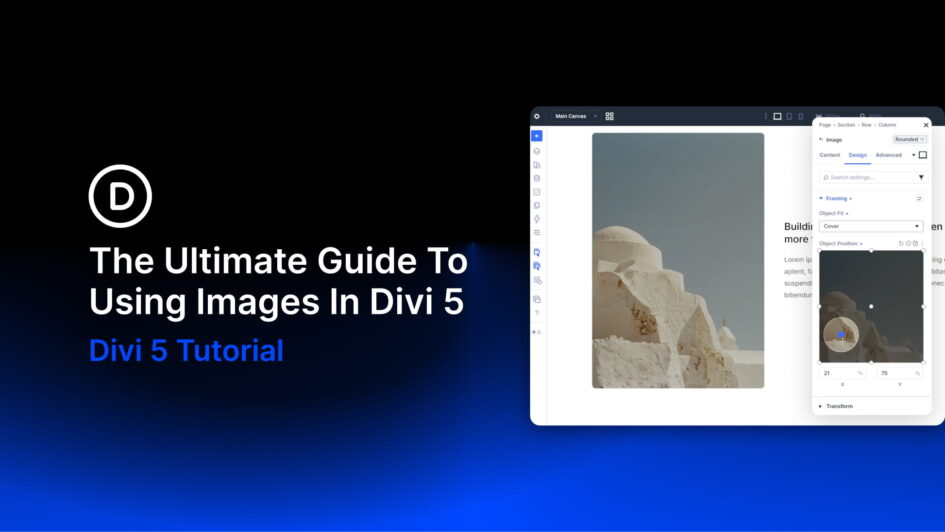
Images are one of the few elements that touch almost every part of a build: hero sections, blog grids, team pages, product listings, portfolio cards, galleries, icons, backgrounds, and call-to-action sections all live or die on how their imagery is handled.
In Divi 5, the image system is more consistent across modules that display images. New Aspect Ratio and Framing settings, the consolidated gradient picker, Custom Attributes, reusable Image Presets, and tight integration with the Loop Builder change how images get placed, cropped, styled, and maintained across a site.
This guide covers the full image workflow in Divi 5: the
Click here to continue reading this article.