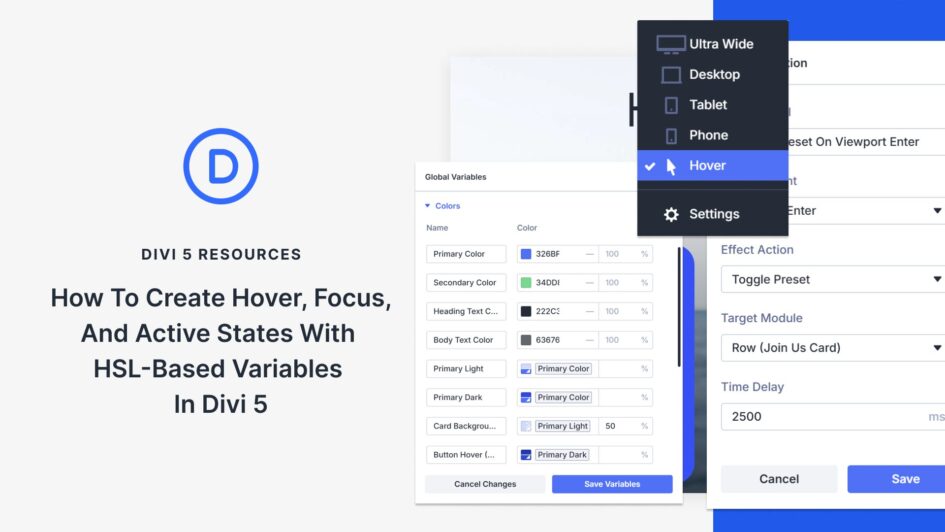
Building interactive elements that look good across every user action takes more effort than it should. You set up a button’s default appearance, then manually create variations for when someone hovers over it.
Each state needs its own color, and each color requires its shades. Keeping them all visually cohesive means juggling numbers that don’t relate to each other. Divi 5 combines HSL-based color variables with state management to simplify and make this process more consistent. Here’s how to set it up.
What Are HSL Colors
HSL stands for Hue, Saturation, and Lightness. Unlike hex codes or RGB values that
Click here to continue reading this article.