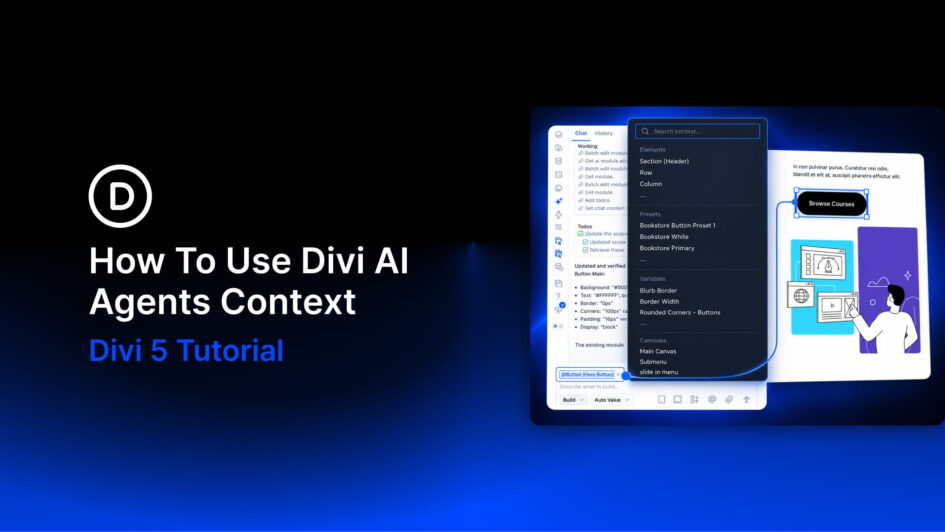
When a page has several buttons, a request like “update the button in the pricing section” can leave room for interpretation. Divi AI Agents can work with your page structure, but attaching the exact element makes your target clearer.
Context lets you reference a module, preset, variable, page, or other item directly in your request. Instead of describing everything from scratch, you can point to the content or settings you want the agent to use.
In this post, we’ll explore how to add Context in the Divi 5 Visual Builder, choose references for different tasks, and combine them with Scope.
Click here to continue reading this article.
