
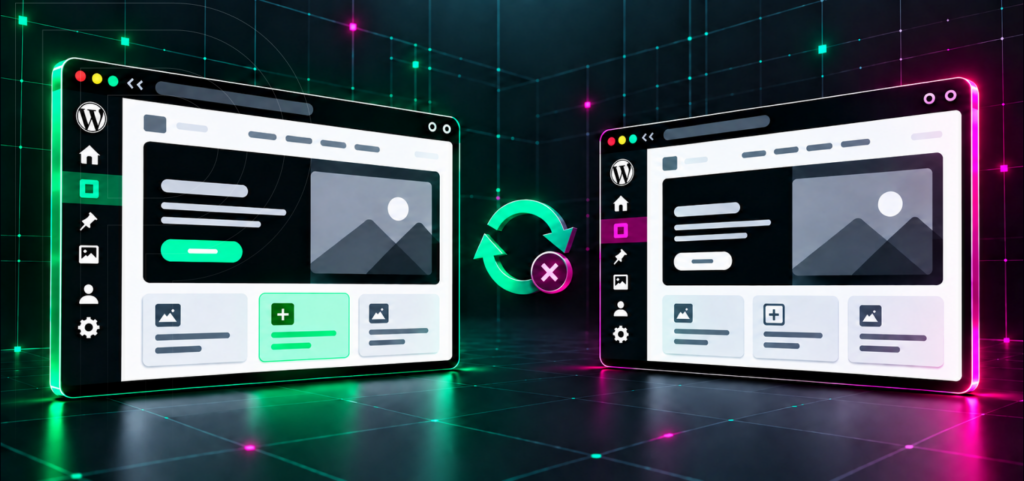
Visibility lag is the gap between a change existing in WordPress and that change reaching an end user. The edit is in the database or on disk, but visitors still get the old bytes. It compounds because a WordPress production request goes through multiple independent caches: a CDN edge, an HTTP page cache, a persistent object cache, PHP’s opcode cache, and the browser. Each cache expires on its own schedule. Add a staging environment and a domain cutover, and “the client says it’s not live” can mean five different faults.
This is a diagnostic guide for agency teams and in-house engineers working on Pagely. The goal is to isolate the layer in under five minutes with four commands, fix the right cache instead of all of them, and escalate with evidence when the fault is genuinely ours. Clearing everything does work, occasionally. It also hides the cause and dumps a cold cache onto your database at the worst possible moment.
Contents:
What counts as visibility lag, and what doesn’t The four-test discriminator: where is the stale copy? Branch 1: is it a caching issue? Branch 2: is it a plugin or theme conflict? Branch 3: is it a staging-versus-production

