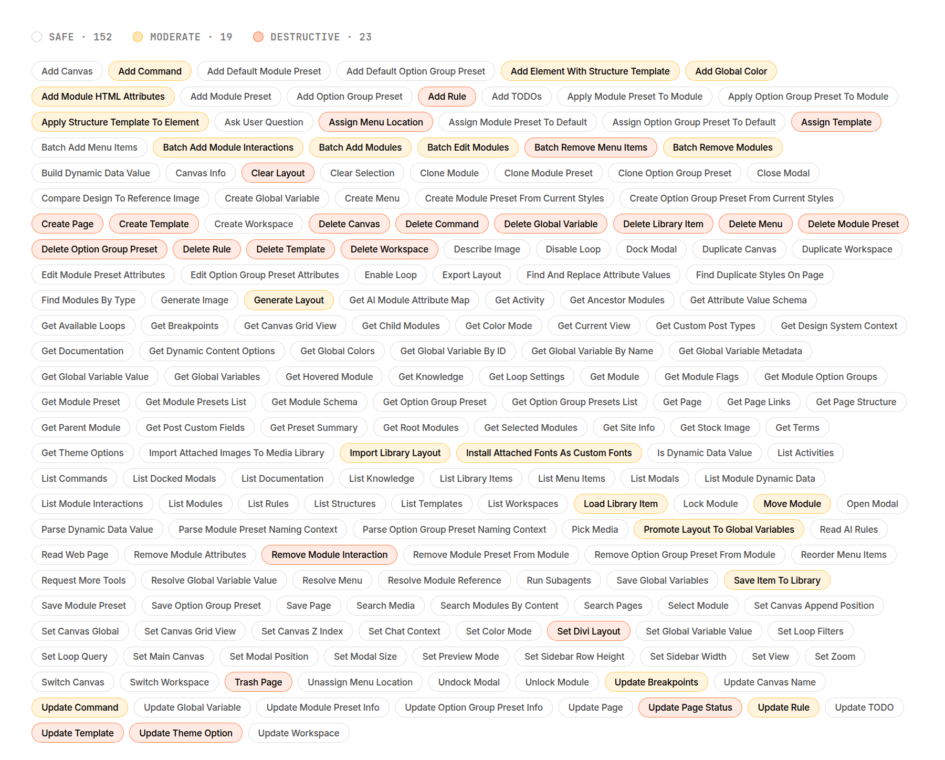
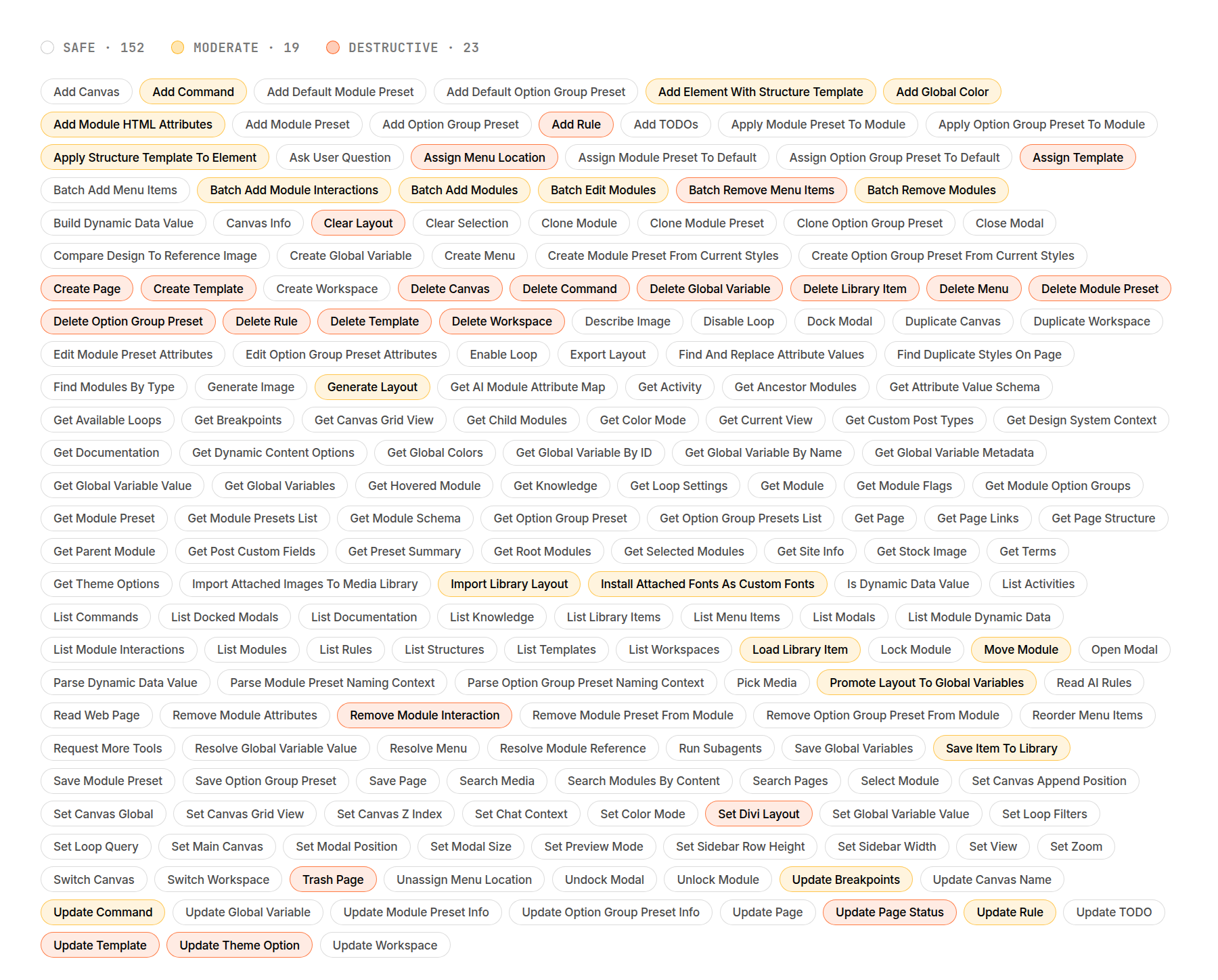
Divi AI agents use purpose-built tools to work with your layouts, design settings, and WordPress content. A single request can involve several of them: reading the page structure, locating the right modules, changing their settings, and checking the result.
You do not need to memorize the catalog to use the feature. Understanding its main tool groups, however, helps you write clearer requests and see what the agent is doing. Building on our introduction to Divi AI agents, this guide explores the tools available in Divi 5, their risk labels, and practical ways to use them.
An overview of the tool
Click here to continue reading this article.
