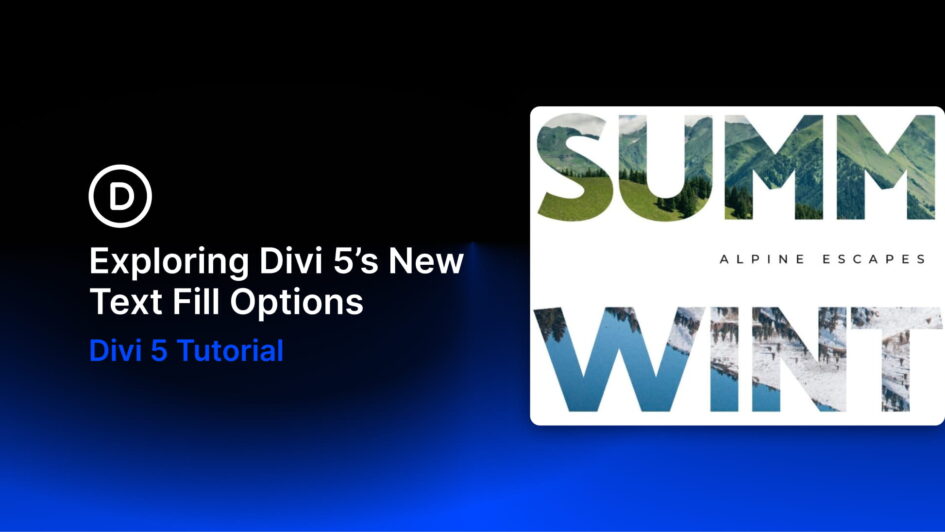
Gradient and image-filled headings are everywhere now, from SaaS landing pages to bold editorial hero sections. They look polished, but they used to be awkward to build. You either copied custom CSS, saved the text as a flattened image, or rebuilt the effect every time the wording changed.
Divi 5 now handles this visually with its new Gradient Options and Text Effect Settings. Gradients are easier to manage, gradients can be saved as variables, and text can now be filled with gradients or images directly inside the builder.
The result is a more flexible text-design workflow. You can create gradient
Click here to continue reading this article.