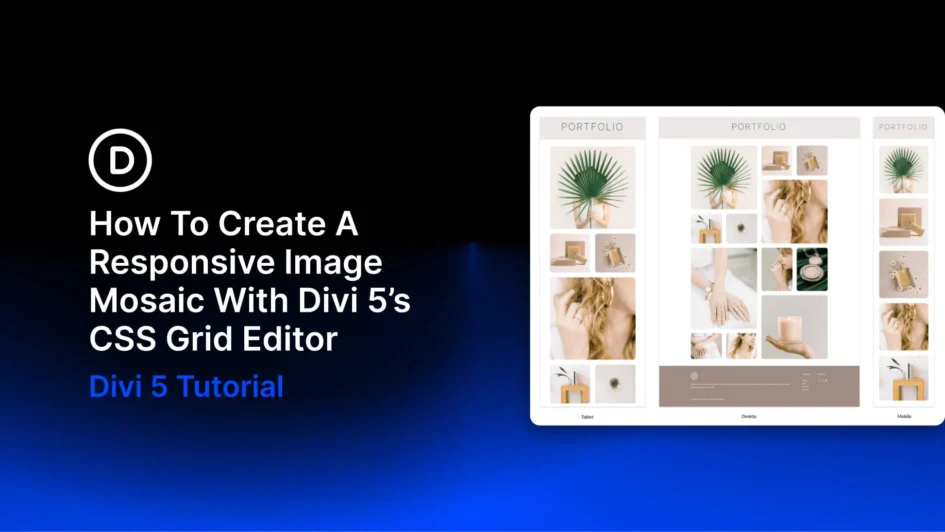
An image mosaic combines photographs of different sizes in one connected grid. Larger tiles highlight selected images, while smaller tiles fill the spaces around them.
With Divi 5’s CSS Grid Editor, you can build this arrangement visually, resizing and positioning tiles directly on the grid canvas.
In this tutorial, we’ll build a twelve-image mosaic across four columns, create four larger feature tiles, and coordinate the image styling with a preset. Then we’ll adapt the layout for tablet and phone.
Why Image Mosaics Need Responsive Adjustments
A mosaic gets its shape from spans. A tile can stretch across two columns, two
Click here to continue reading this article.
