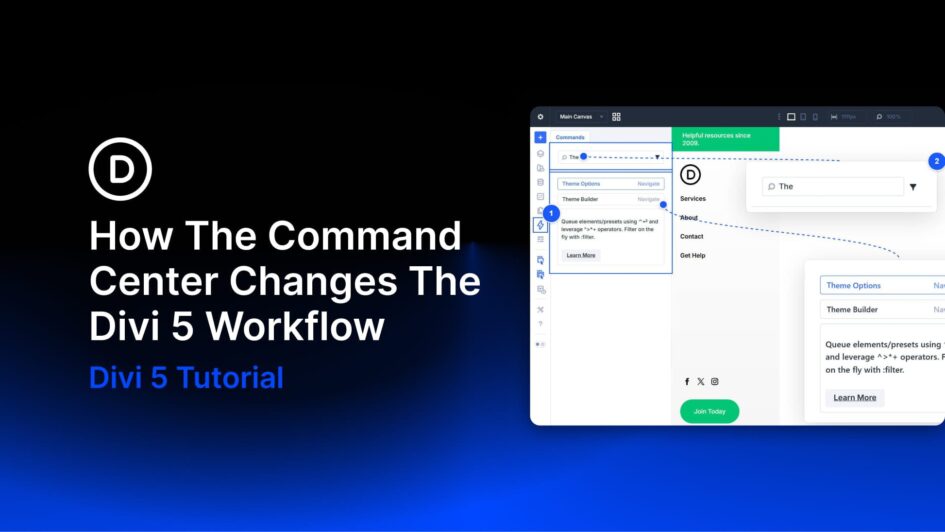
Divi 5 gives you more than one way to work. You can click through settings panels and modals when you want fine-grained control. You can use keyboard shortcuts for speed when performing smaller, repeatable actions. The Command Center adds a third option. It lets you trigger more complex builder tasks at keyboard speed, including navigation, context changes, and builder actions, without relying on a long list of dedicated shortcuts.
You open it, start typing, and run the matching command you need. That simple shift changes the workflow more than it might seem at first. Instead of hunting through the interface,
Click here to continue reading this article.