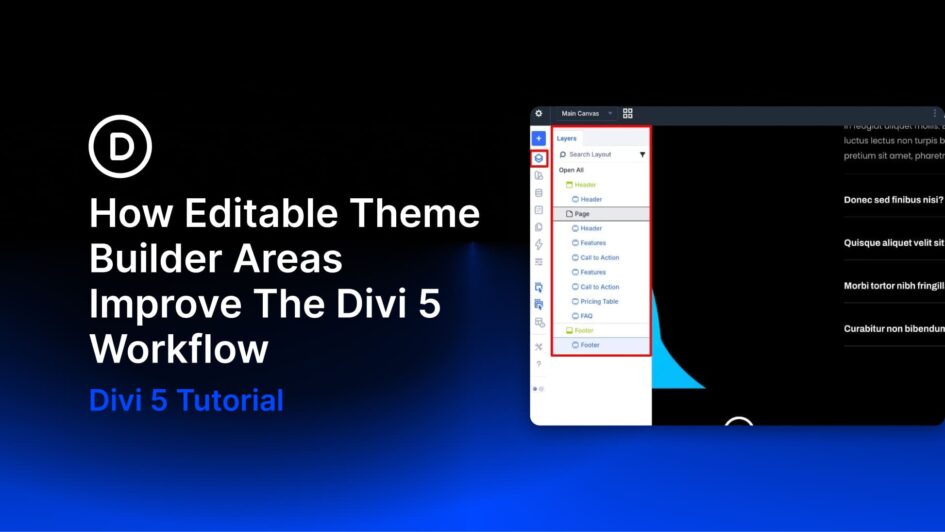
Building a complete website in Divi has traditionally involved a fair amount of back-and-forth. You’d work on a page, notice something off in the header or footer, exit the builder, open the Theme Builder, make the fix, and then return to the page you were editing. It wasn’t a dealbreaker, but it added friction to a full-site build with multiple templates and global elements in play.
Divi 5 now lets you edit Theme Builder areas directly in the builder, regardless of whether you’re working on a page or a template-generated view. That sounds like a small change until you consider
Click here to continue reading this article.