Before you publish a landing page, you scroll through one more time to check if everything looks right. But spacing that doesn’t match, incorrect colors, or different fonts can slip right past you.
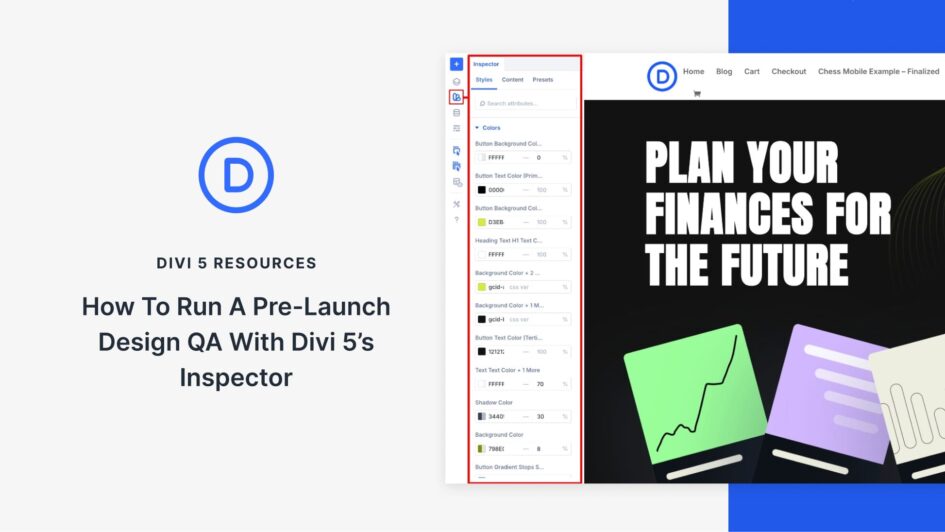
Divi 5’s Inspector tool solves this by displaying all your design changes in one place, making it easy to spot what needs fixing. This guide walks you through using the Inspector to review your landing page section by section and make sure it’s polished before launch.
How Divi 5’s Inspector Makes Design QA Effortless
The Inspector in Divi 5 is a visual panel that allows you to