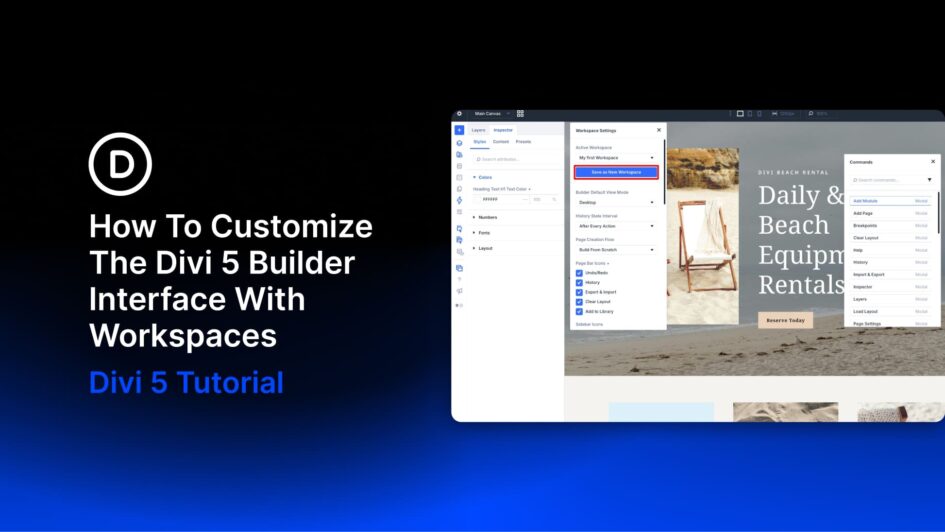
The Divi 5 Visual Builder is highly customizable. Panels can be opened, closed, docked, floated, resized, and combined into tabs. You can also choose which top bar icons appear, change the interface mode and color scheme, set a default view, and control other builder preferences. That flexibility becomes even more useful with Workspaces.
A workspace saves a particular Visual Builder setup so you can return to it later. Instead of using the same interface for every stage of a project, you can create one setup for working on your design system, another for assembling pages, and a cleaner one for
Click here to continue reading this article.