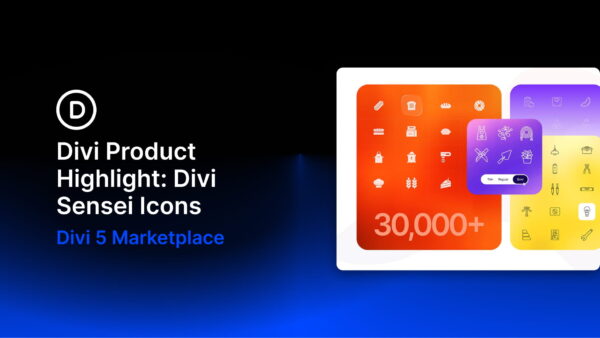
Divi 5 includes a native icon system that makes icons easy to add and style throughout the Visual Builder. For projects that need a much larger selection, Divi Sensei Icons by Divi Sensei expands that same workflow with thousands of… Continue Reading →
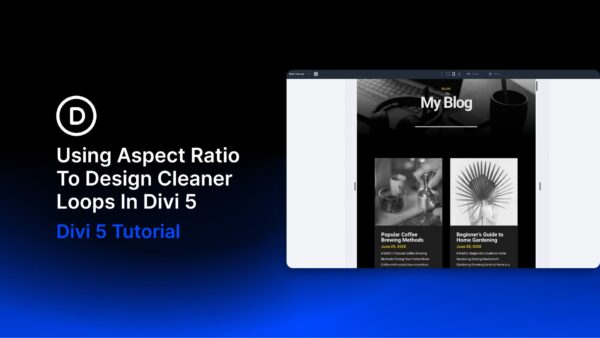
A blog grid can look perfectly aligned while you’re designing it with placeholder content, then fall apart as soon as real posts start loading in. One author uploads a wide screenshot, another uses a portrait photo, and somebody else adds… Continue Reading →
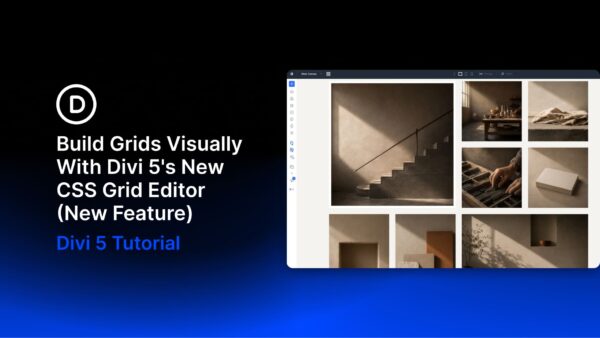
Divi 5 already gives you a complete CSS Grid system for building two-dimensional layouts inside the Visual Builder. You can define columns and rows, control gaps and track sizes, use premade grid structures, and create Grid Offset Rules for layouts… Continue Reading →

Divi 5 makes it easy to create structured layouts where imagery, text, stats, and supporting content work together as one composition. In this free pack, you’ll get 7 Square Grids for Divi 5 that are perfect for hero sections, agency… Continue Reading →

Carousels give you a compact way to present repeating content without turning a page into a long stack of cards. They can work especially well for testimonials, team members, portfolio projects, images, products, logos, and other content visitors may want… Continue Reading →

A strong typography system is more than choosing a heading font and a body font. It defines how type scales, how different text roles relate to each other, and which decisions stay consistent as the website grows. Variable fonts make… Continue Reading →
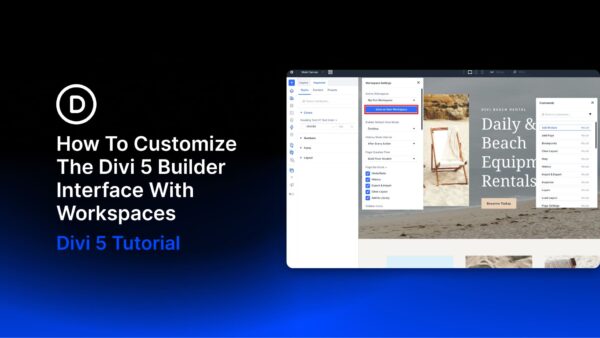
The Divi 5 Visual Builder is highly customizable. Panels can be opened, closed, docked, floated, resized, and combined into tabs. You can also choose which top bar icons appear, change the interface mode and color scheme, set a default view,… Continue Reading →
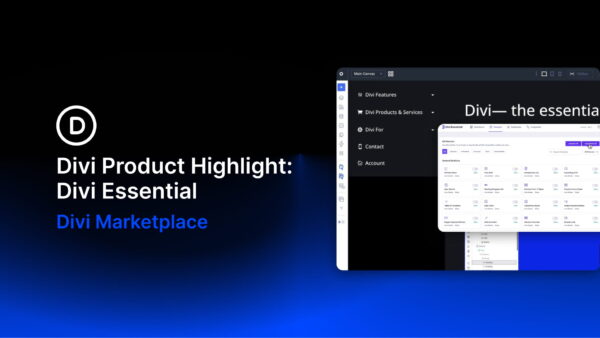
Clear, well-organized navigation helps visitors understand a website and move through it with confidence. That becomes especially important on content-heavy sites, where documentation, categories, account pages, products, or other nested content need a structure that remains easy to scan. Divi… Continue Reading →
In Part 9 of our Mastering Flexbox series, we showed how Column Class works with Layout Wrapping, Gap, Justify Content, Align Items, and Display Order to create responsive multi-column layouts without reaching for CSS Grid for every pattern. Over the… Continue Reading →
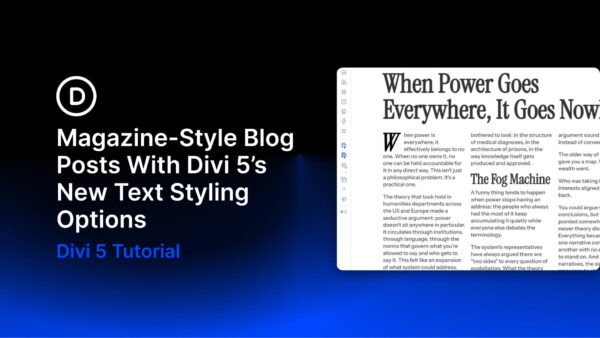
Print magazines built reader trust through typography long before the web existed. The way a headline breaks, how wide a column runs, where a paragraph breathes, and how a section begins all tell readers how to move through the page… Continue Reading →

Divi 5 makes it easy to create bold testimonial and quote sections that feel more visual, branded, and memorable. In this free pack, you’ll get 5 Large Quote designs for Divi 5 that are perfect for testimonials, reviews, client quotes,… Continue Reading →

Picking a font used to be a short decision. You chose the font, picked a weight, adjusted the size, and moved on. Variable fonts change that workflow. One font can include a range of adjustable axes, and each axis changes… Continue Reading →

Most Divi 5 users start with presets by saving one complete style at a time. That works for simple reuse, but it can quickly turn into a long list of similar presets: one card preset for a light version, another… Continue Reading →
