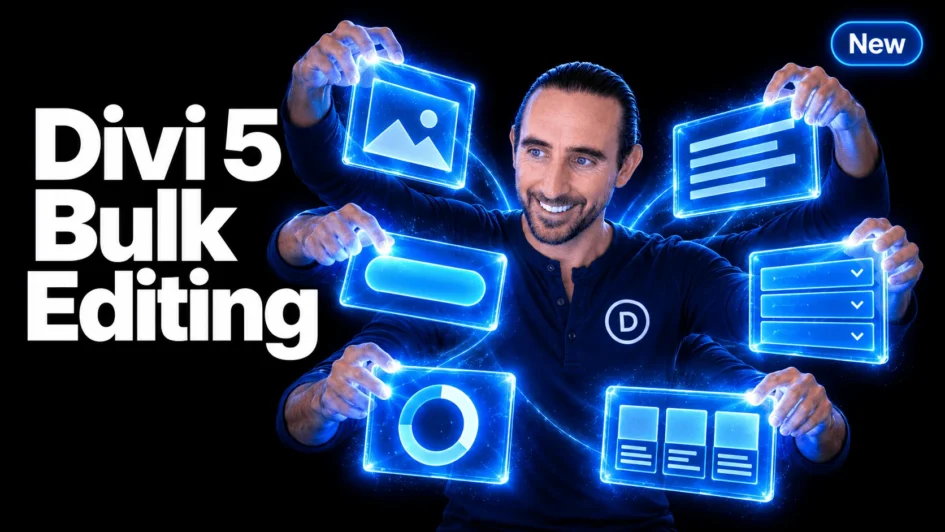
Editing a website often means making the same change more than once. Adjust the spacing on several cards. Restyle a handful of buttons. Move a collection of modules into another column.
Multi-Select and Bulk Editing bring those tasks together in Divi 5. 🎉 Select individual elements with Cmd/Ctrl-click, select a range with Shift-click, and edit your selection from one settings panel.
Selection also extends into the Layers panel, right-click actions, keyboard shortcuts, the Inspector, and the Divi AI Agent. You can choose the elements you want to work on, then carry that selection through your workflow.
Let’s take a closer
Click here to continue reading this article.
