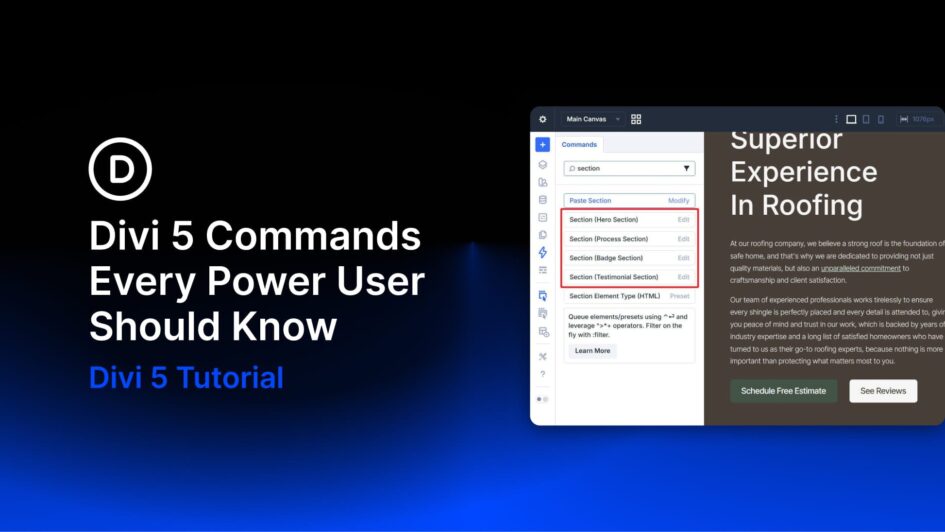
The Divi 5 Command Center is one of those features that does not seem like a big deal until you build with it for a few hours. Press CMD+K on Mac or CTRL+K on Windows, type what you want to do, and press Enter. No digging through menus, no scanning sidebars, and no breaking your flow to find the same panel again and again.
What makes it especially useful for power users is not just speed. The Command Center gives you one searchable place to run builder actions, jump to settings, open panels, and navigate around your site. That means
Click here to continue reading this article.